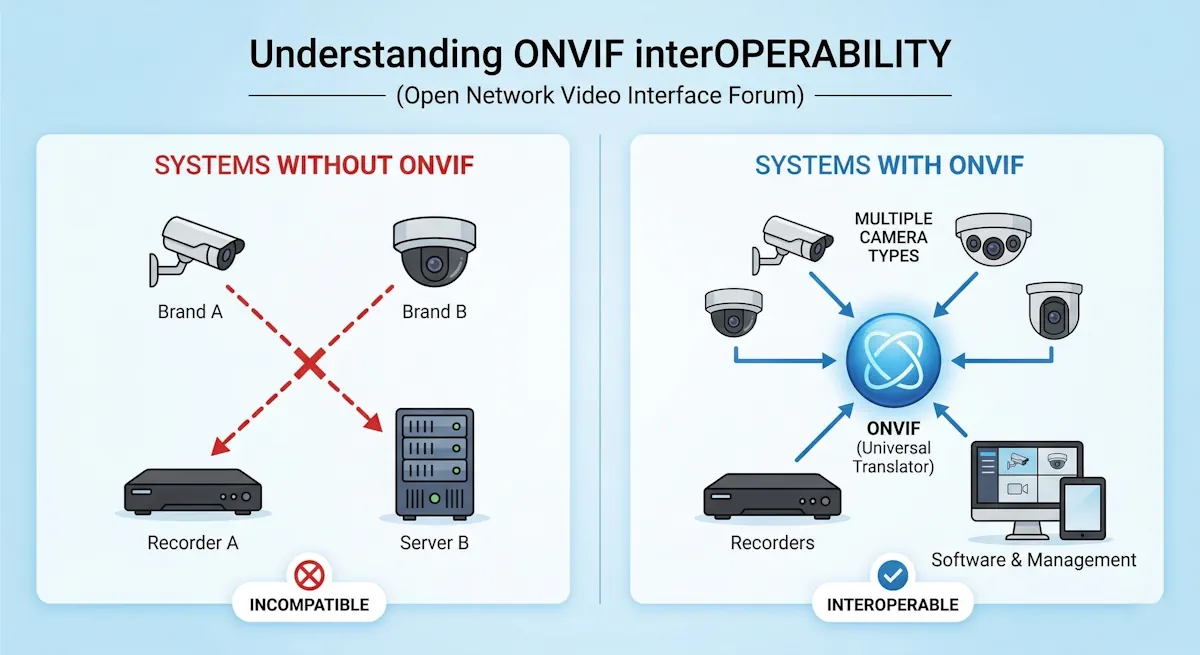
Many people install CCTV cameras expecting full security, but later realise the system is not giving proper results. This usually happens due to CCTV Installation Mistakes made during installation, not because of camera quality.
Even small errors in placement, wiring, or setup can lead to poor recording, missed events, and extra costs. Understanding these mistakes early can save both money and effort.

CCTV Installation Mistakes What They Cost and How to Fix Them
Small installation mistakes can reduce the effectiveness of your CCTV system without you noticing. In many cases, cameras are working, but they are not capturing useful footage when it actually matters.
These issues also increase cost over time. You may need to reinstall cameras, upgrade storage, or fix wiring problems again.
Below are the most common mistakes, their impact, and simple ways to fix them.
1. Installing Camera Without Planning
Many users buy a CCTV kit and directly install cameras, drilling holes and running cables without thinking about their overall coverage strategy.
Result:
- Important areas and critical blind spots are completely missed.
- Extra cameras are wasted on overlapping areas, increasing costs without adding value.
- Poor wire routing leads to messy aesthetics and potential vulnerabilities.
Fix: Before beginning the physical installation, take a few minutes to draw a simple layout or floor plan of your property. Decide on:
- Primary entry and exit points (doors, main gates, ground-floor windows).
- High-risk areas (cash registers, driveways, dark alleys).
- The required camera range and the angle of view needed for each specific spot.
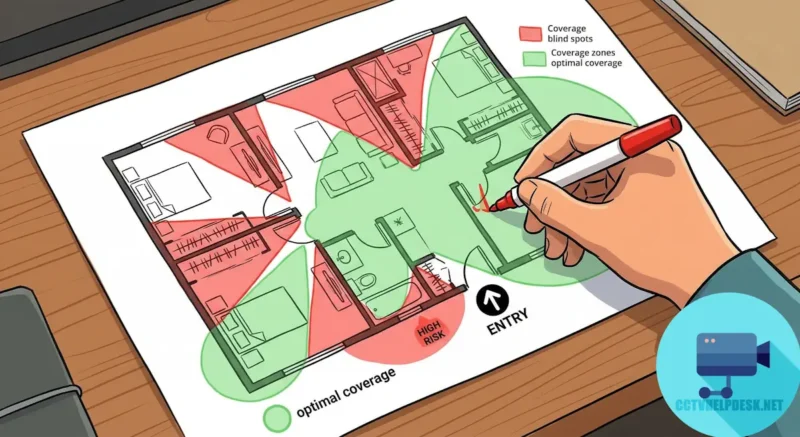
A proper, well-thought-out plan saves money on unnecessary equipment and drastically improves your overall security perimeter.
2. Wrong Camera Selection
Not every camera fits every location, and buying a generic bundle often leads to mismatched hardware that underperforms in its environment.
Common error:
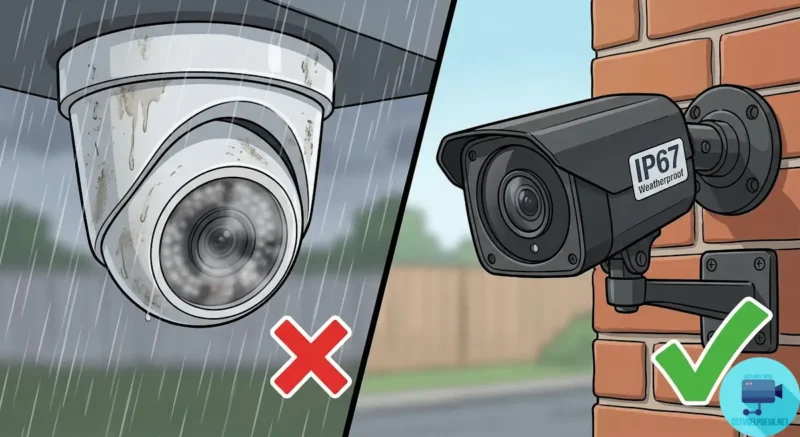
- Installing an indoor dome camera outside where it is exposed to rain, wind, and dust.
- Placing a low-resolution camera at a main entry gate where zooming and Capture Vehicle Number Plate or faces is crucial.
- Using narrow-lens cameras for wide open spaces like backyards.
Fix: Always choose your camera based on its specific environmental use:
- Bullet camera → Best for outdoor use due to weatherproofing and highly visible deterrence.
- Dome camera → Best for indoor use because they are discreet and harder to tamper with.
- Resolution (2MP/5MP/8MP) → Select based on clarity needs (e.g., 8MP/4K for cash desks and gates, 2MP for small indoor rooms).
You can understand this better here: What is IP Camera? Features, Working, Types, and Complete Guide
3. Poor Camera Angle
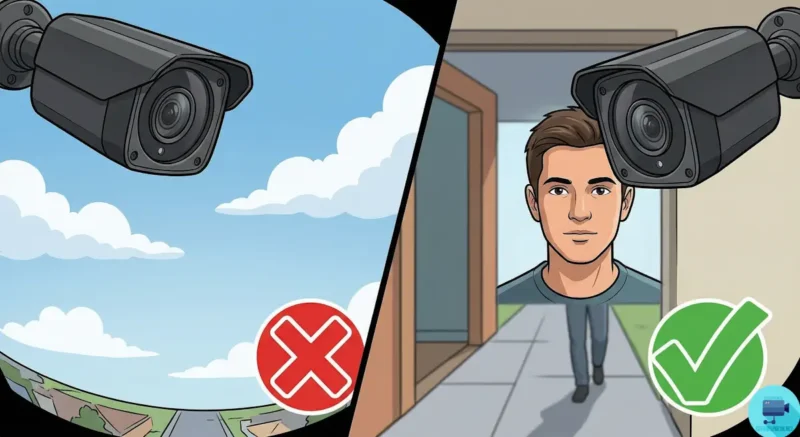
Even the most expensive, high-definition camera fails to protect you if it is pointed at the wrong angle.
Mistakes:
- Facing the sky or too far down at the ground, wasting more than half of the screen frame.
- Too much tilt, resulting in sideways, disorienting, or distorted images.
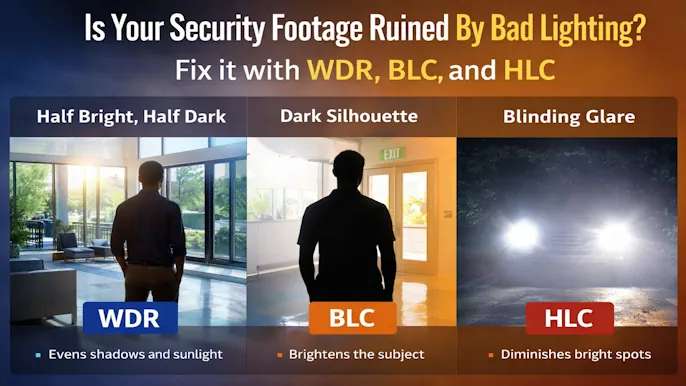
- Backlight issues (pointing the camera directly at a bright window or street lamp), making subjects look like dark, unidentifiable shadows.
Fix:
- Keep the camera primarily focused on the human height area (face level) to capture identifiable features.
- Avoid placing cameras where strong sunlight or streetlights shine directly into the lens.
- Frame the shot so the relevant action area takes up the vast majority of the screen.
4. Ignoring Night Performance
Most crimes and intrusions happen after dark, yet many users only check their video quality during bright daytime hours.
Problem:
- Night footage becomes grainy, noisy, or completely useless.
- Faces are not visible due to poor illumination or heavy infrared (IR) wash-out (where a face looks like a glowing white blur).
- Infrared glare off nearby walls blinds the camera’s sensor.
Fix: Use:
- High-quality IR night vision cameras or modern “Color Night Vision” (starlight) cameras.
- Proper external lighting support, like motion-sensor floodlights near the camera’s field of view.
- Ensure the camera isn’t installed too close to a side wall, which reflects IR light back into the lens.

Also understand lighting: WDR vs BLC vs HLC in CCTV: Fix Lighting Issues in 1 Minute
5. Wrong Camera Height
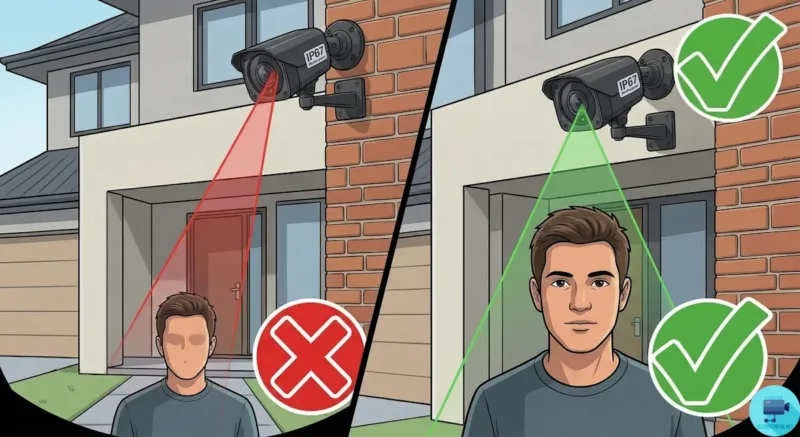
Camera height directly affects your ability to identify a suspect. It is a delicate balance between keeping the camera safe from vandalism and capturing usable details.
Mistake:
- Installed too high (e.g., second-story roof) → You will only see the top of a person’s head, making facial identification impossible.
- Installed too low → The camera becomes an easy target for thieves to smash, cover, or steal before breaking in.
Fix:
- Install at an optimal height of 8 to 10 feet from the ground for the best results.
- This height is generally out of arm’s reach for vandals, but low enough to capture clear facial features and license plates.
6. No Storage Planning
Users often buy a DVR or NVR without calculating how much hard drive space their specific setup actually requires.
Problem:
- Recording stops early, or the drive overwrites data too quickly (e.g., keeping only 3 days of footage instead of 30).
- Important footage of an incident is permanently lost because it wasn’t discovered in time.
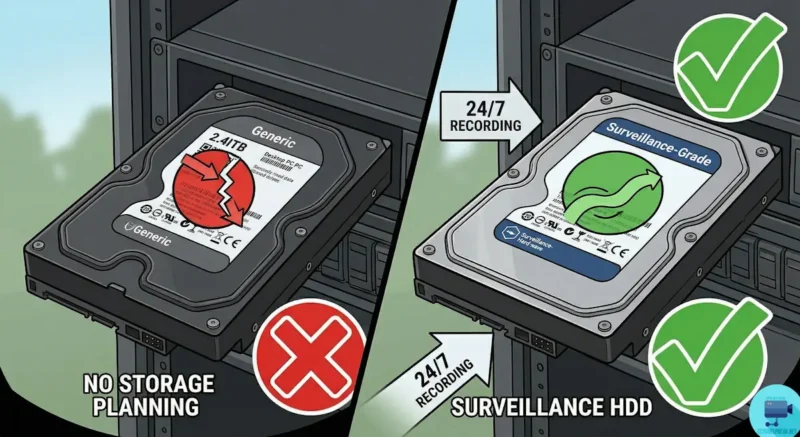
- Using standard desktop hard drives instead of surveillance-grade drives(PC HDD vs CCTV HDD), leading to hardware crashes.
Fix: Select your storage capacity based on:
- The total number of cameras in your system.
- The camera resolution (4K cameras eat up storage much faster than 1080p).
- Your desired recording days (e.g., 14, 30, or 60 days) and recording mode (continuous vs. motion-triggered).
Learn full calculation in our CCTV STORAGE CALCULATOR
7. Using Low Quality Cable
Cables are the veins of your CCTV system. Trying to save a few money on cheap cabling will inevitably create long-term, frustrating problems.
Issues:
- Sudden video loss or flickering screens.
- Signal disturbance and “ghosting” due to nearby electrical interference.
- Frequent maintenance calls to replace degraded wires exposed to sun and rain.
Fix: Always use:
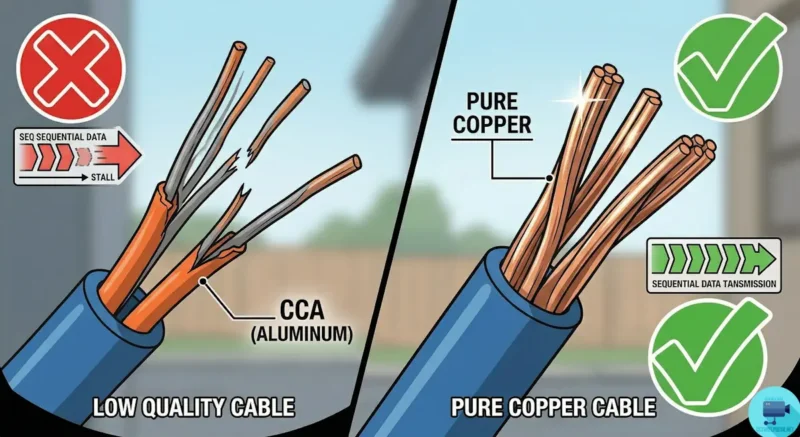
- Pure copper cable (like solid bare copper Cat6 or high-quality RG59 Siamese) instead of cheap CCA (Copper Clad Aluminum).
- Good quality, weather-sealed BNC or RJ45 connectors.
- Proper routing through PVC conduits to protect the wires from weather and rodents.
8. Weak Power Backup
Power cut = no recording. This is a critical security flaw, as intruders often intentionally cut the main power before breaking into a property.
Problem:
- A surveillance system is entirely useless if it shuts off the moment the power grid goes down.
- Intruders know this and will often target the external electrical meter or main breaker before attempting a break-in.
- Sudden, unexpected power loss can also corrupt the DVR/NVR hard drive, potentially erasing days of crucial footage that was already recorded.
Fix: Implement a complete power backup strategy so your system never goes blind:
- A dedicated UPS (Uninterruptible Power Supply): Connect your DVR/NVR, Wi-Fi router, and the camera power supply directly to a UPS. Size the UPS battery to provide at least 2 to 4 hours of backup time.
- A properly rated SMPS power supply: Ensure your power supply box can comfortably handle the electrical load of all your cameras simultaneously. This is especially important at night when power-hungry infrared (IR) night-vision LEDs activate and draw more current.
- Centralize the Power: Run all camera power cables back to the central UPS location. If you plug individual cameras into random wall outlets around the house, those specific cameras will die during an outage even if the DVR is still running.
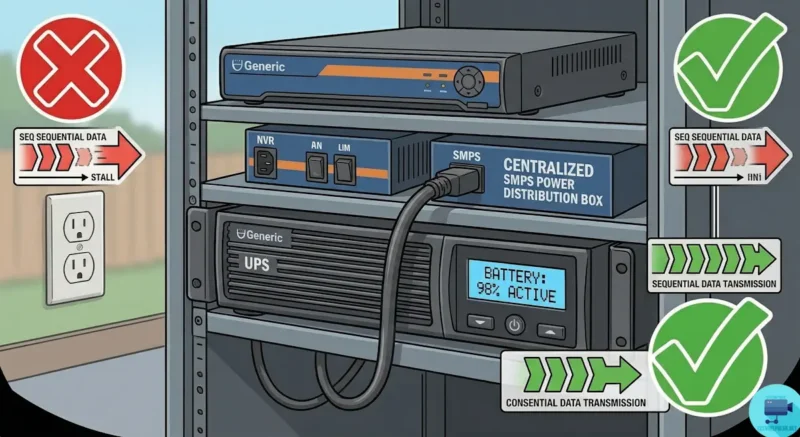
This ensures your system keeps recording smoothly and your hard drive remains safe from corruption, even during an extended power failure or deliberate tampering.
9. No Remote Viewing Setup
Many users install a comprehensive CCTV system but leave it disconnected from the internet, failing to utilize modern smart features.
Problem:
- No ability to live-monitor your home or business while you are traveling or at work.
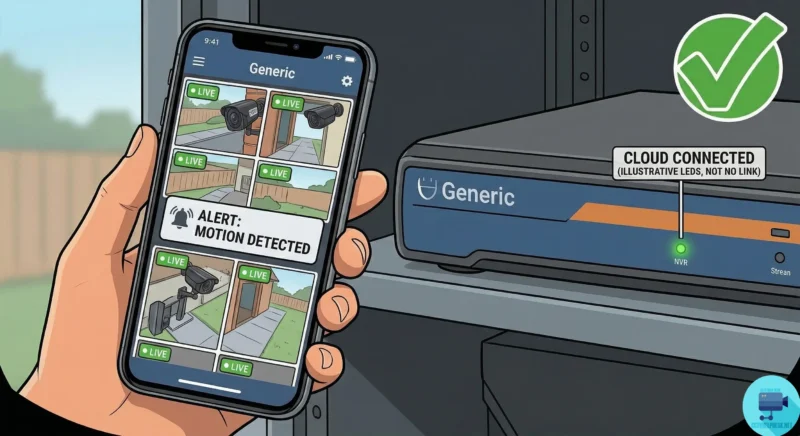
- No instant push alerts or email notifications when motion is detected in restricted areas.
Fix:
- Connect your DVR/NVR to your Wi-Fi router and configure the network correctly.
- Download the manufacturer’s official mobile app and PC Software like- iVMS-4200, SmartPSS and KVMS Pro to enable secure live monitoring.
10. No Maintenance After Installation
CCTV is a living electronic system; it is not a “fit and forget” appliance. Neglect leads to system failure right when you need it most.
Problems over time:
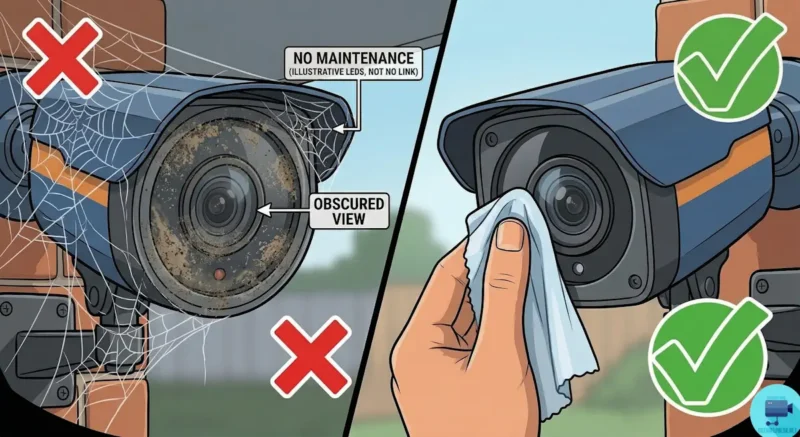
- Dust, water spots, or spider webs severely blocking the camera lens.
- Hard disk failure without the user realizing it (resulting in a blank drive during a police investigation).
- Loose wiring due to wind, weather, or animal activity.
Fix: Do a basic monthly check:
- Physically clean camera lenses with a soft microfiber cloth.
- Check the DVR/NVR screen to ensure it is actively recording and the hard drive status is healthy.
- Test video playback and export a short clip to ensure the retrieval process works.
You May Find Helpful: CCTV Troubleshooting Guide: Fix the CCTV Issues Step-by-Step
Final Conclusion
Most CCTV failures are not due to bad products or faulty manufacturing. They almost always happen because of small, easily avoidable installation mistakes.
If you:
- Plan your layout properly before buying equipment.
- Choose the correct hardware and wiring for your specific environment.
- Maintain your system regularly to ensure peak performance.
Then even a highly affordable, basic CCTV setup can give you incredibly strong and reliable security.
This guide helps both:
- Home users attempting a successful DIY installation.
- Professional service engineers looking to improve their service quality.
Avoid these CCTV Installation Mistakes and your CCTV system will work reliably, keeping your property safe for years to come.